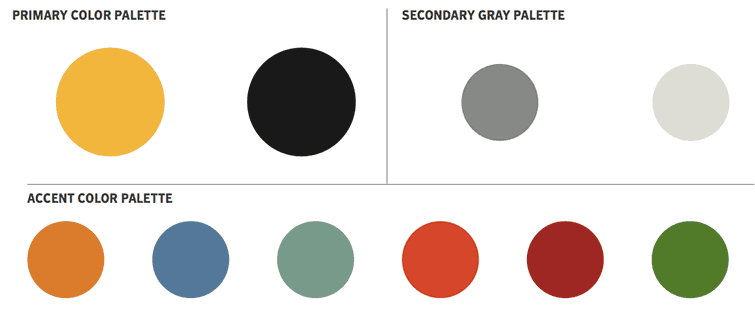
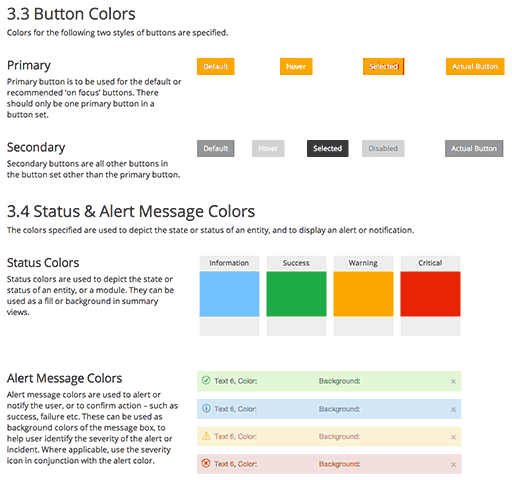
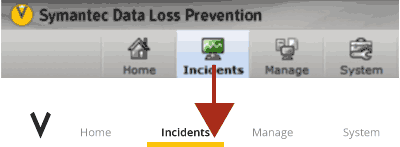
Traditional brand guidelines often don’t cover web recommendations. And, they rarely cover product design recommendations.
So, web and product design teams must adapt the corporate guidelines for their own use.
Typical enterprise product guidelines extend brand guidelines for use in products
Legacy User Interfaces
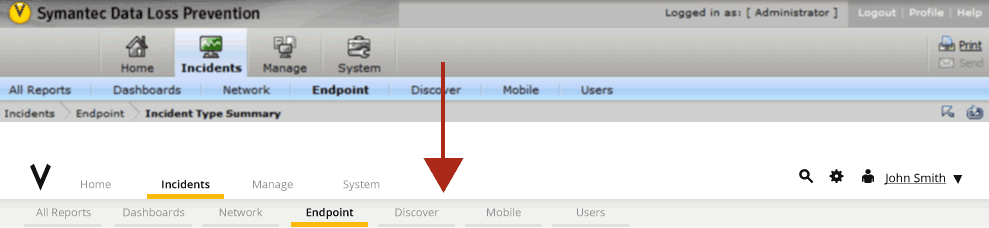
Many old style web interfaces were modeled after windows apps. They’ve inherited patterns from the desktop world that seem outdated by today’s standards.
Leagacy apps are UI heavy and are not optimized for the content the user cares about
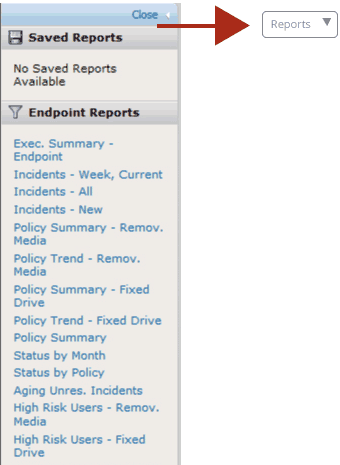
Large portions of the real estate are given to navigation, advanced filtering options and tree-views or list-panes containing tertiary navigational content.
41%
Percentage of screen above allocated to showing content – we can do better
Visual & Interaction Updates
If you apply a contemporary look and feel to these web apps, the apps will still look outdated due to the outdated patterns.
You want to update your UIs by giving more real estate to the content. In many cases, this means you need to deconstruct the desktop navigation patterns.
Some simple rules
Content over navigation
Hide advanced filters
Tertiary navigation should be minimized
Minimize pagination or implement infinite scrolling
Use icons judiciously
So What are the Results?
80%
Increase in content area
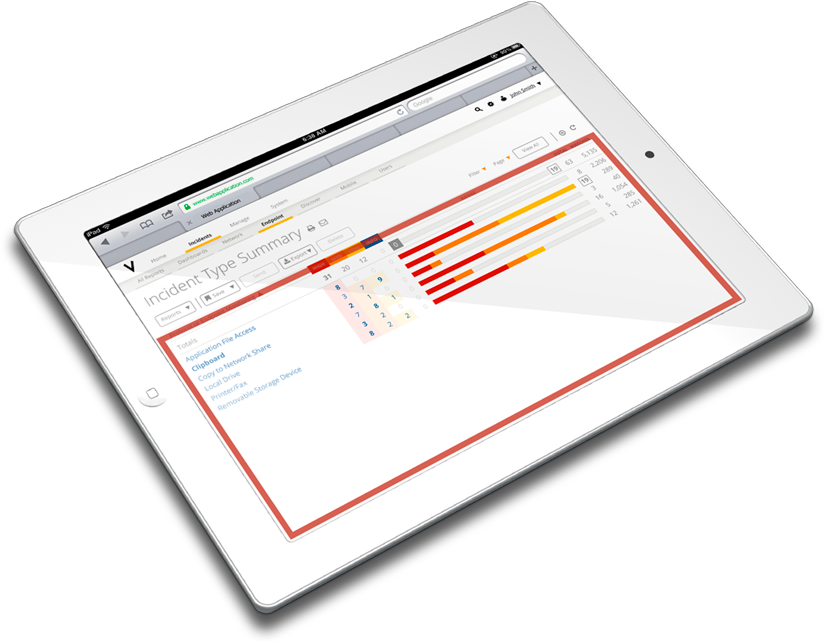
When you combine contemporary UX principles to dated UIs, you can see big improvements. Making simple changes when you update the look and feel should be a no-brainer.
74% of updated screen is now allocated to showing content the user cares about
It goes without saying, but make sure you always test with users before you roll out your changes. You might find that in certain circumstances, users will opt for control over additional content.